
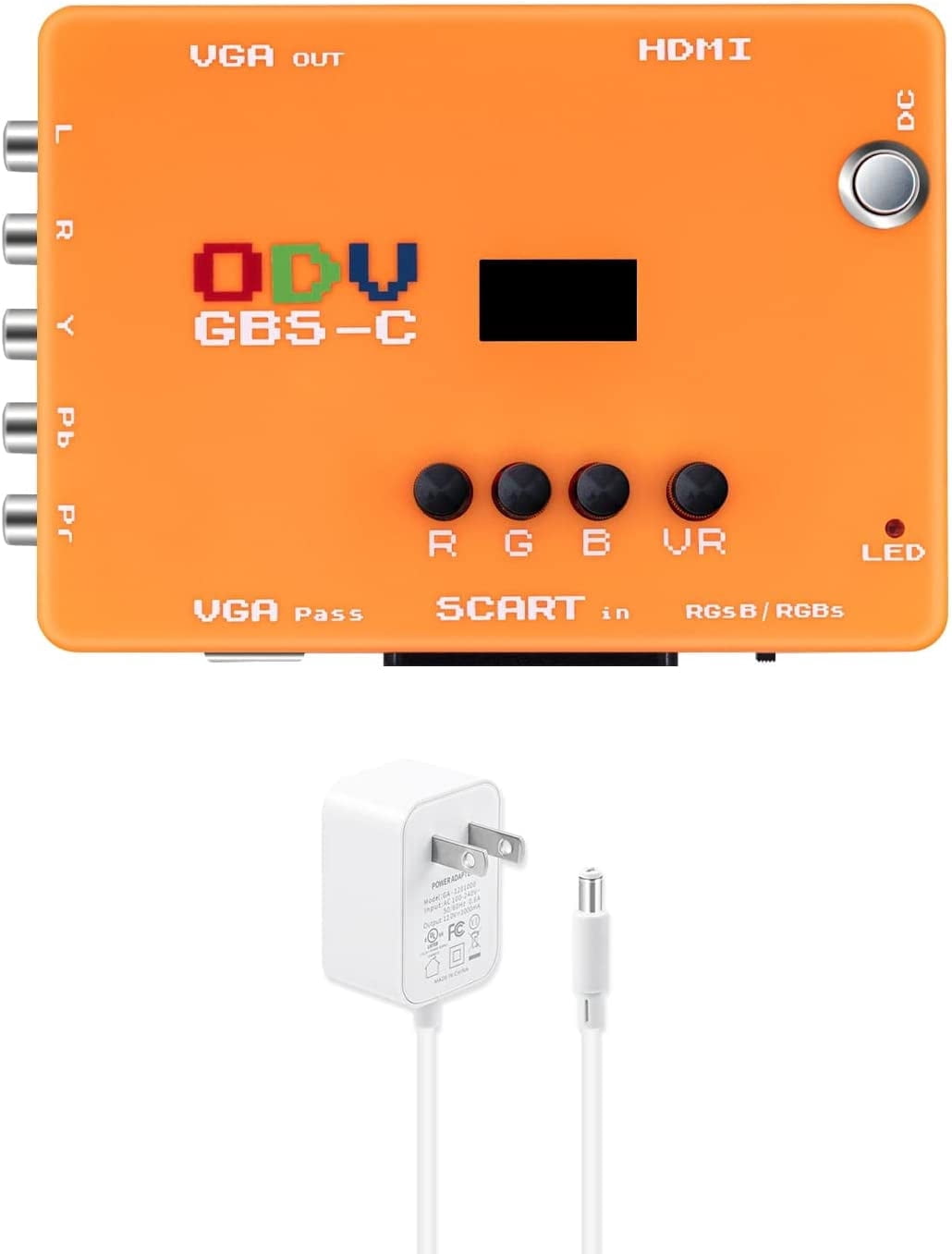
KSRplayer ODV-GBS-C Component VGA/Scart to VGA/HDMI Scan Converter for Retro Gaming Console with US Plug not Support AV Input
Product details
| Management number | 238569097 | Release Date | 2026/07/11 | List Price | US$35.96 | Model Number | 238569097 | ||
|---|---|---|---|---|---|---|---|---|---|
| Category | |||||||||
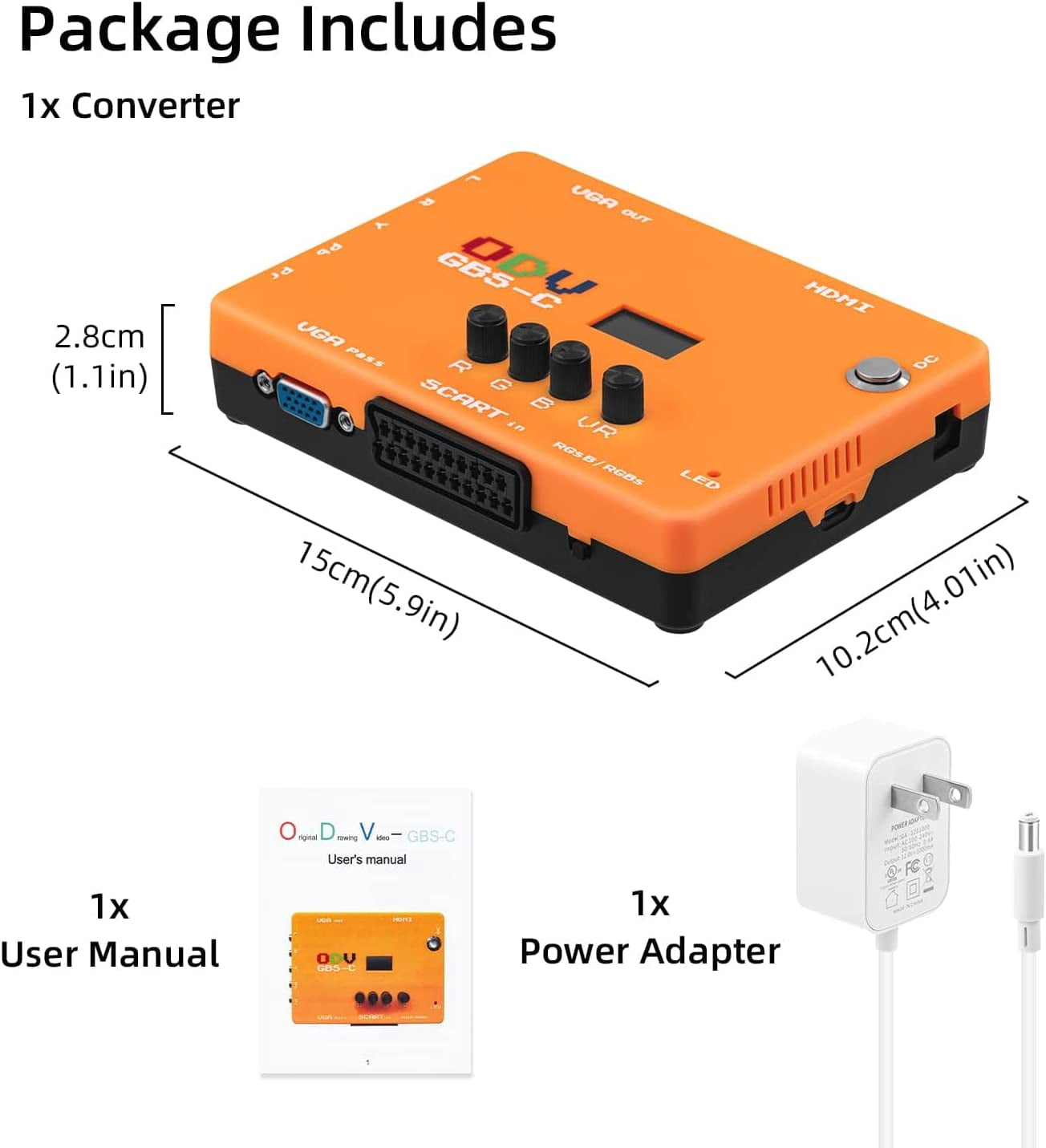
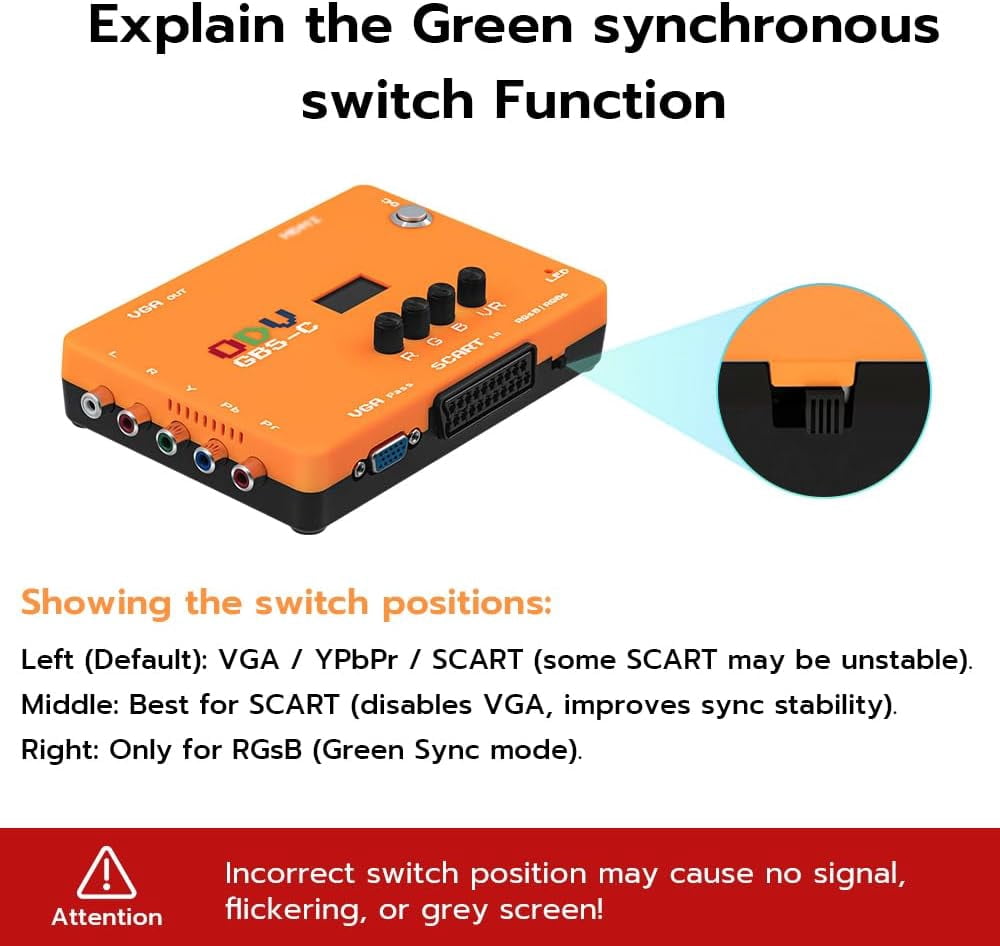
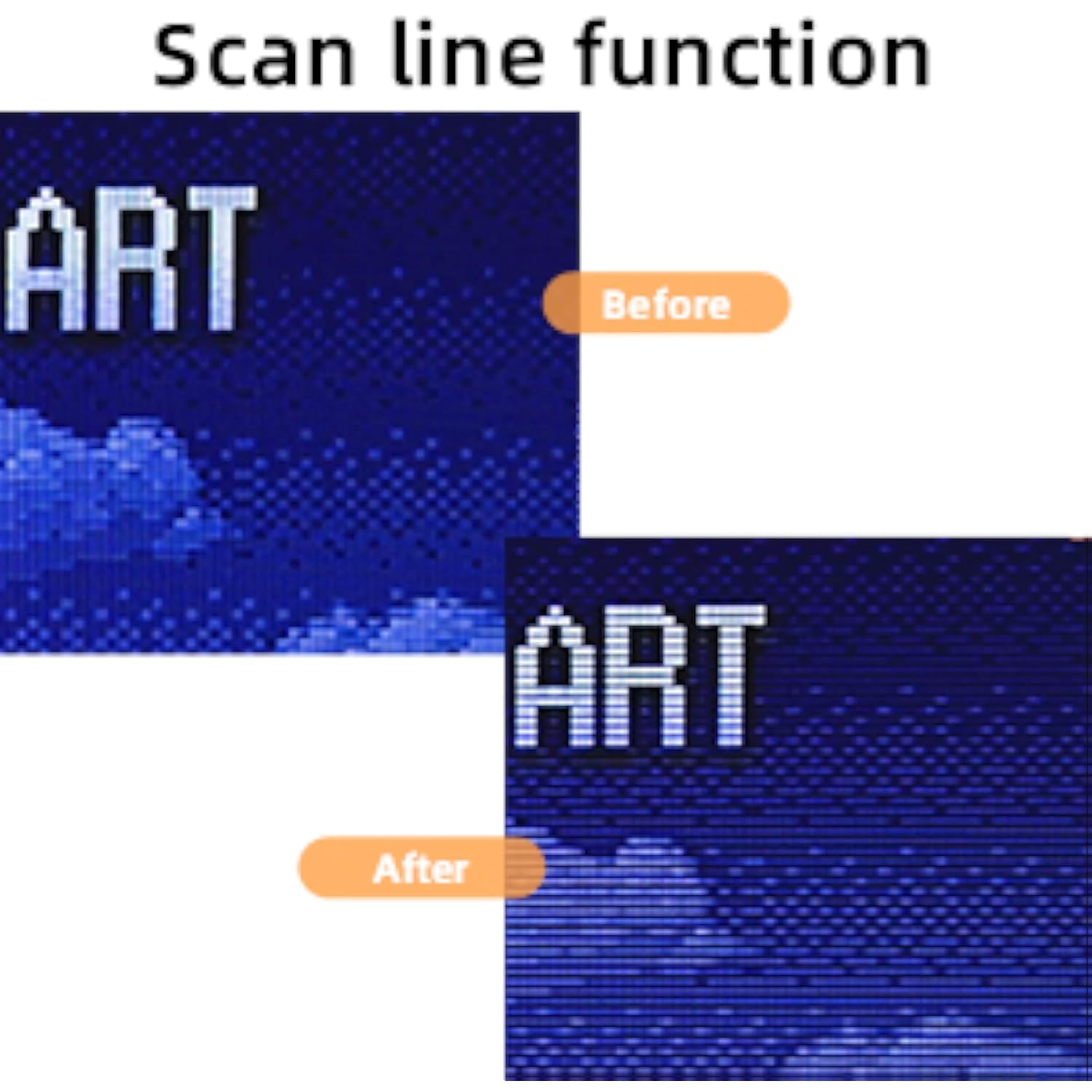
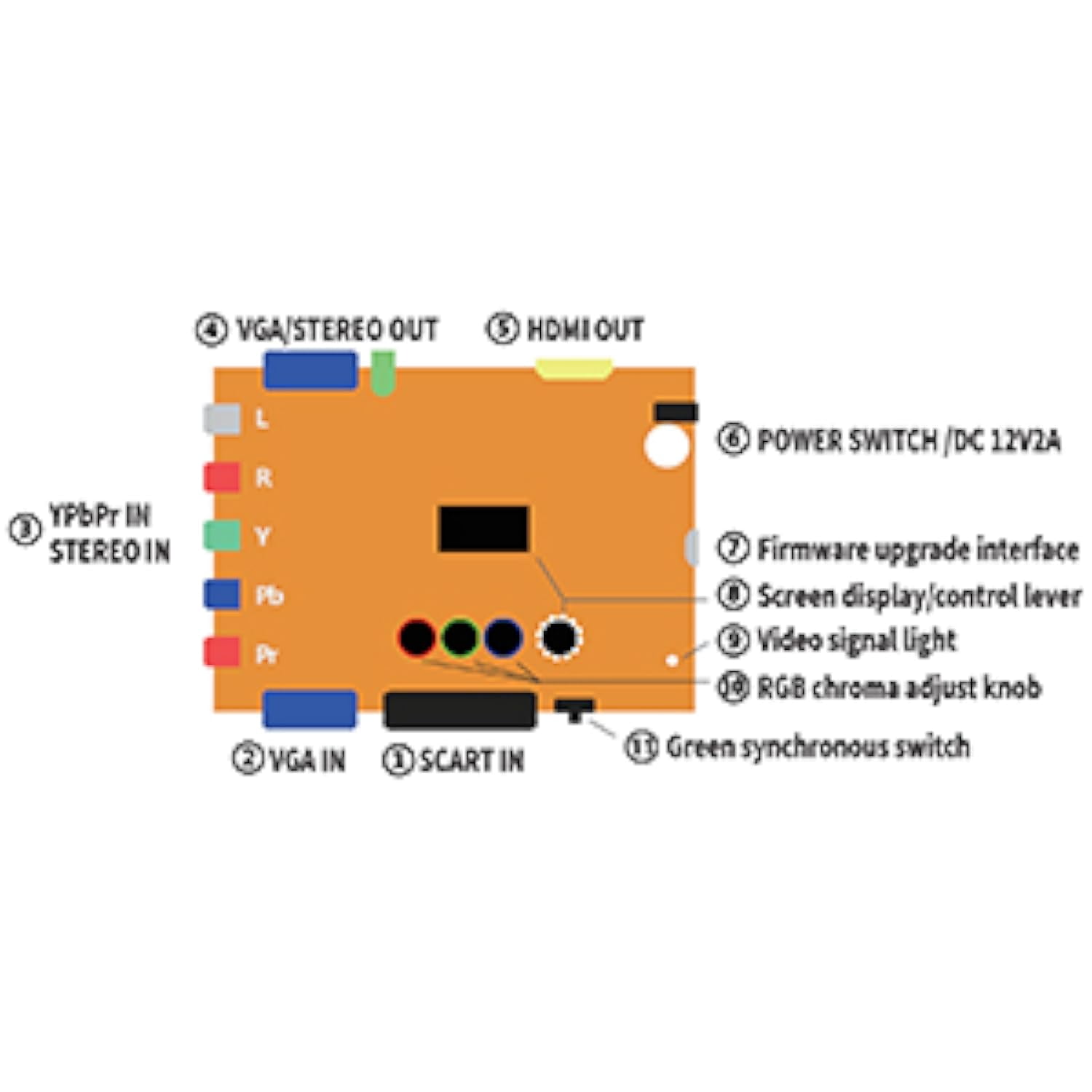
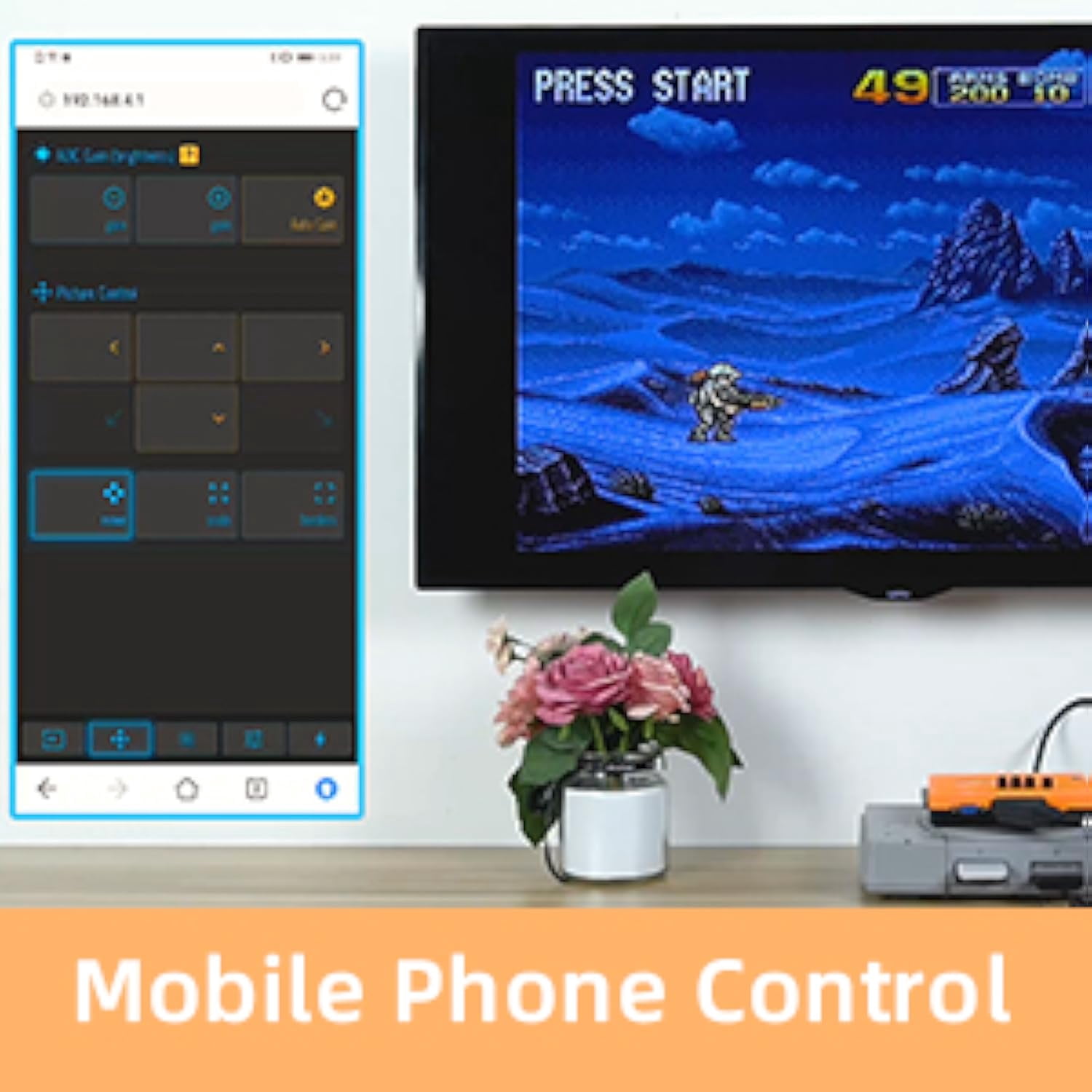
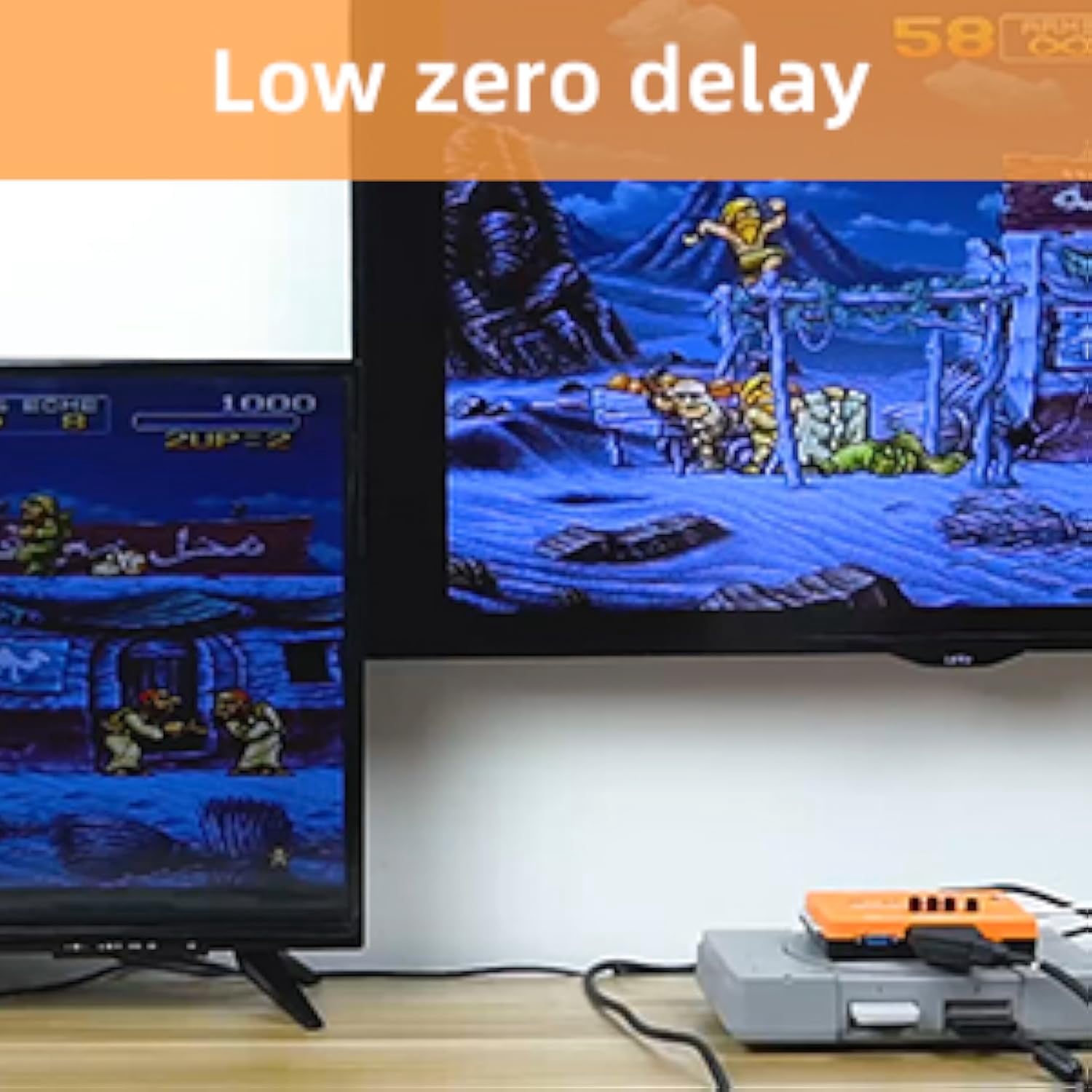
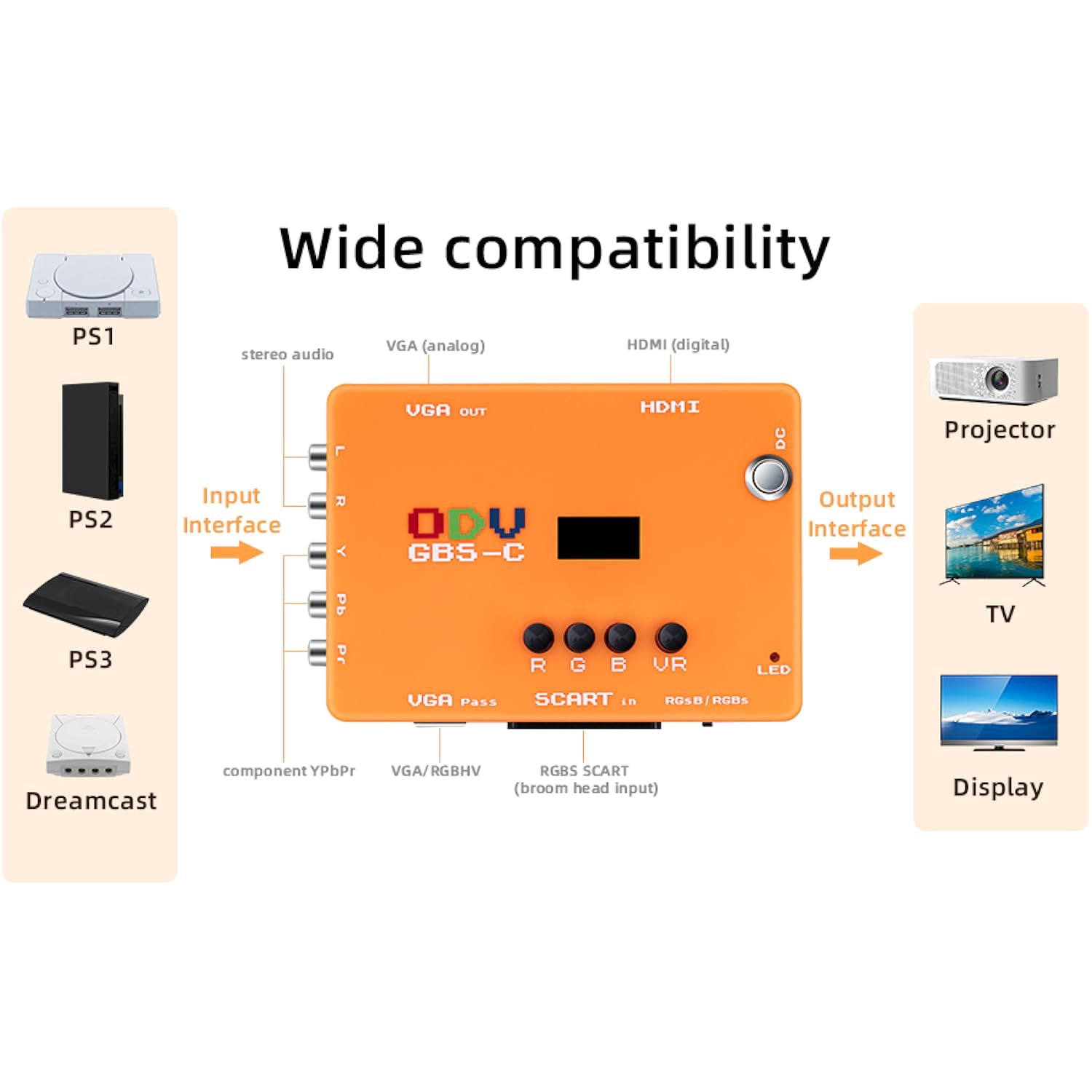
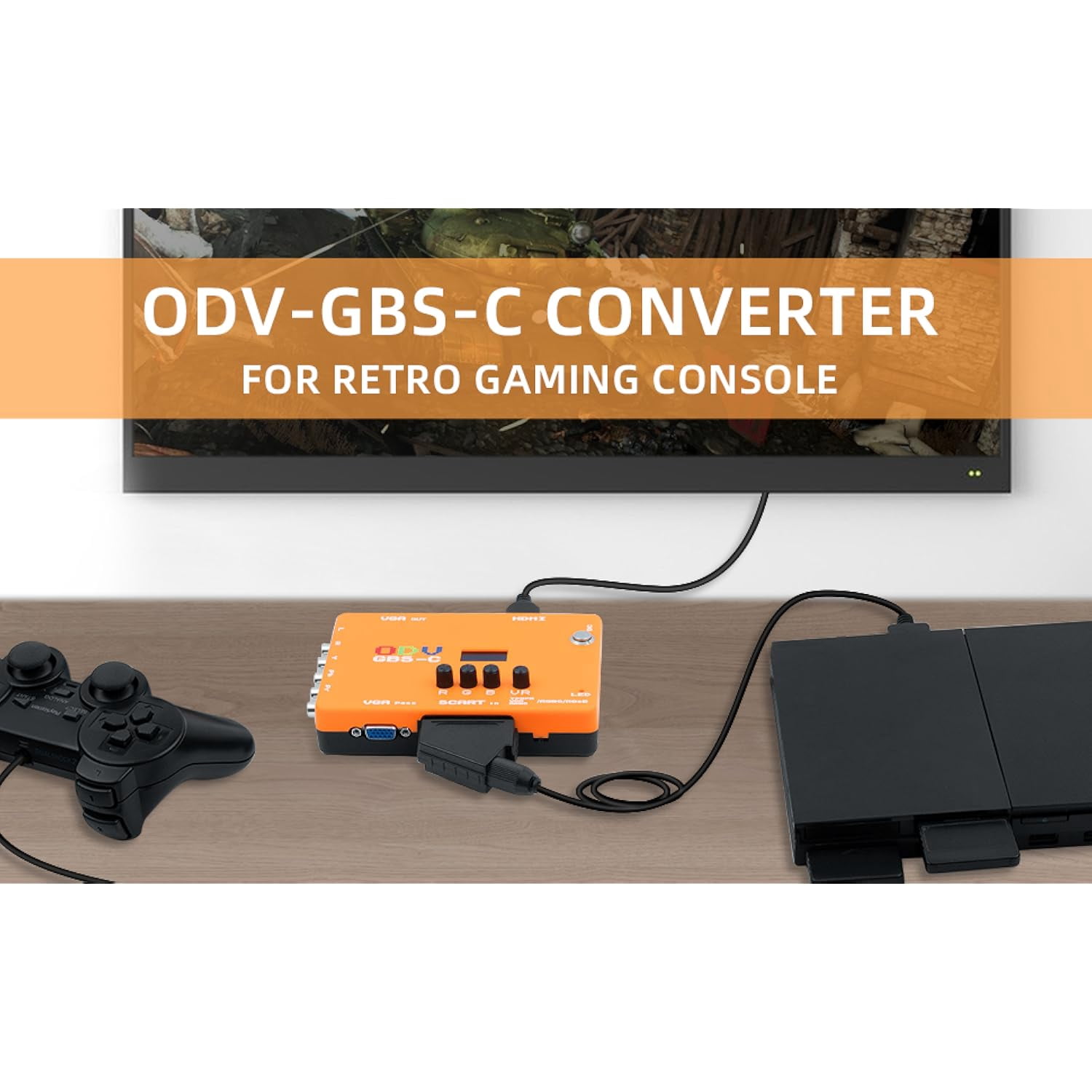
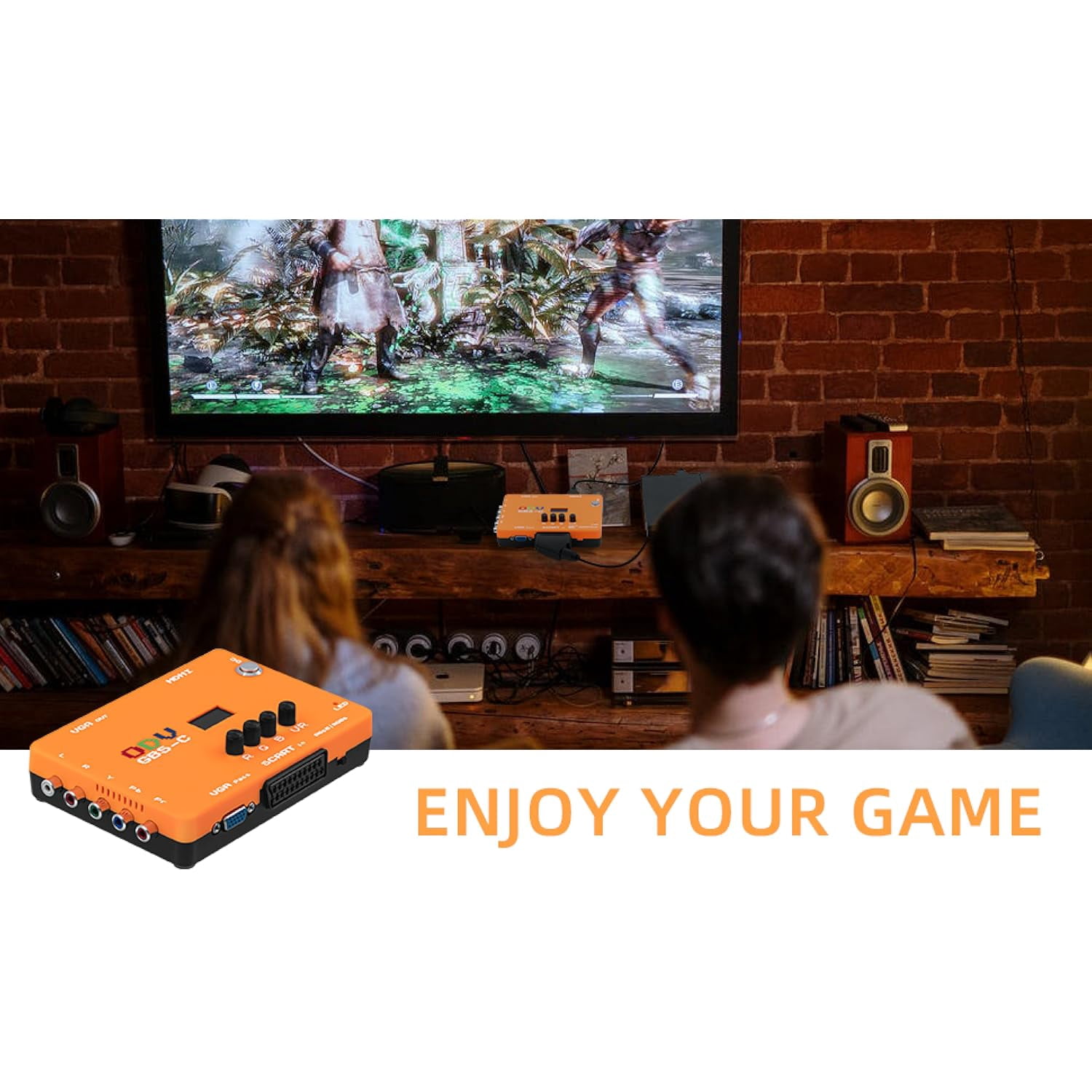
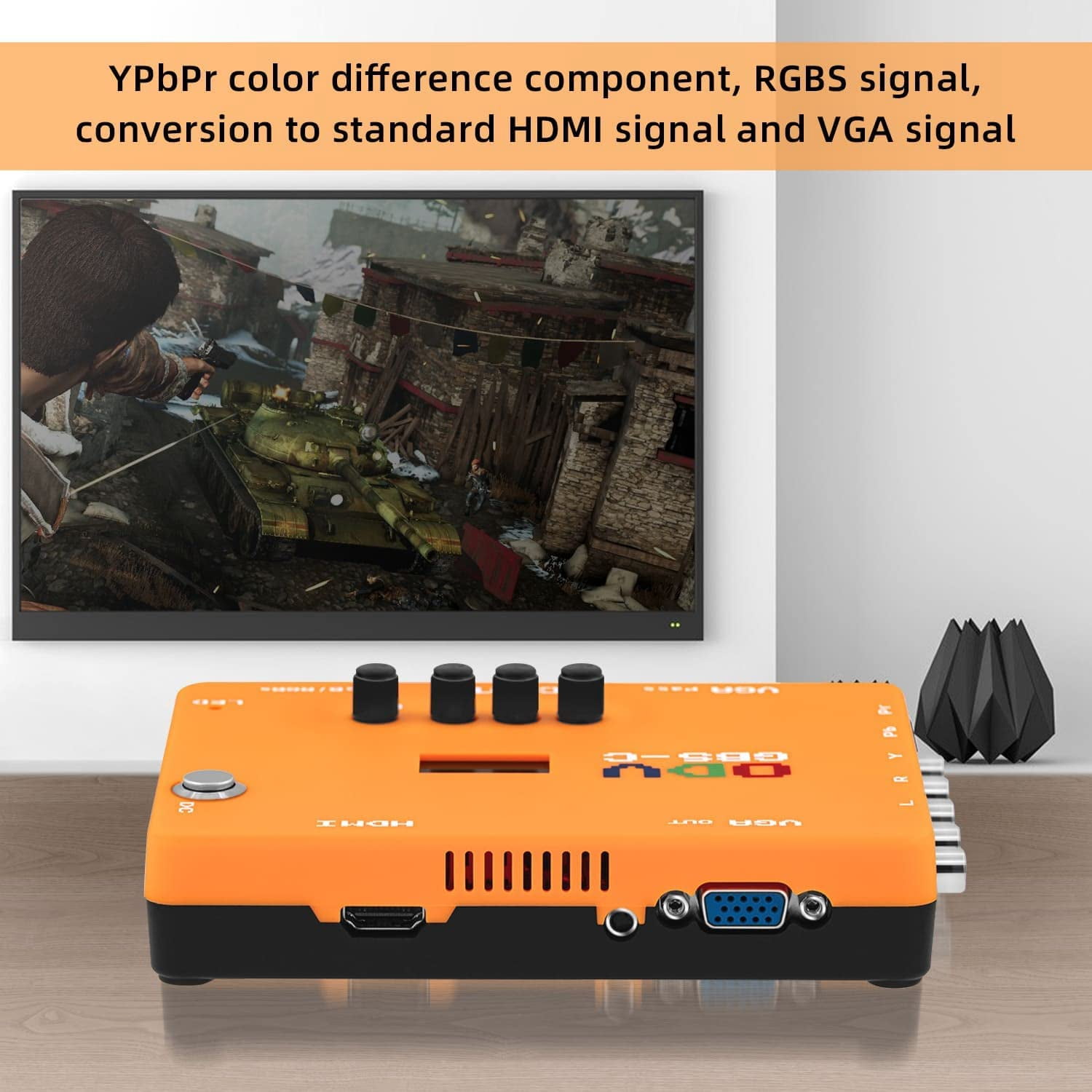
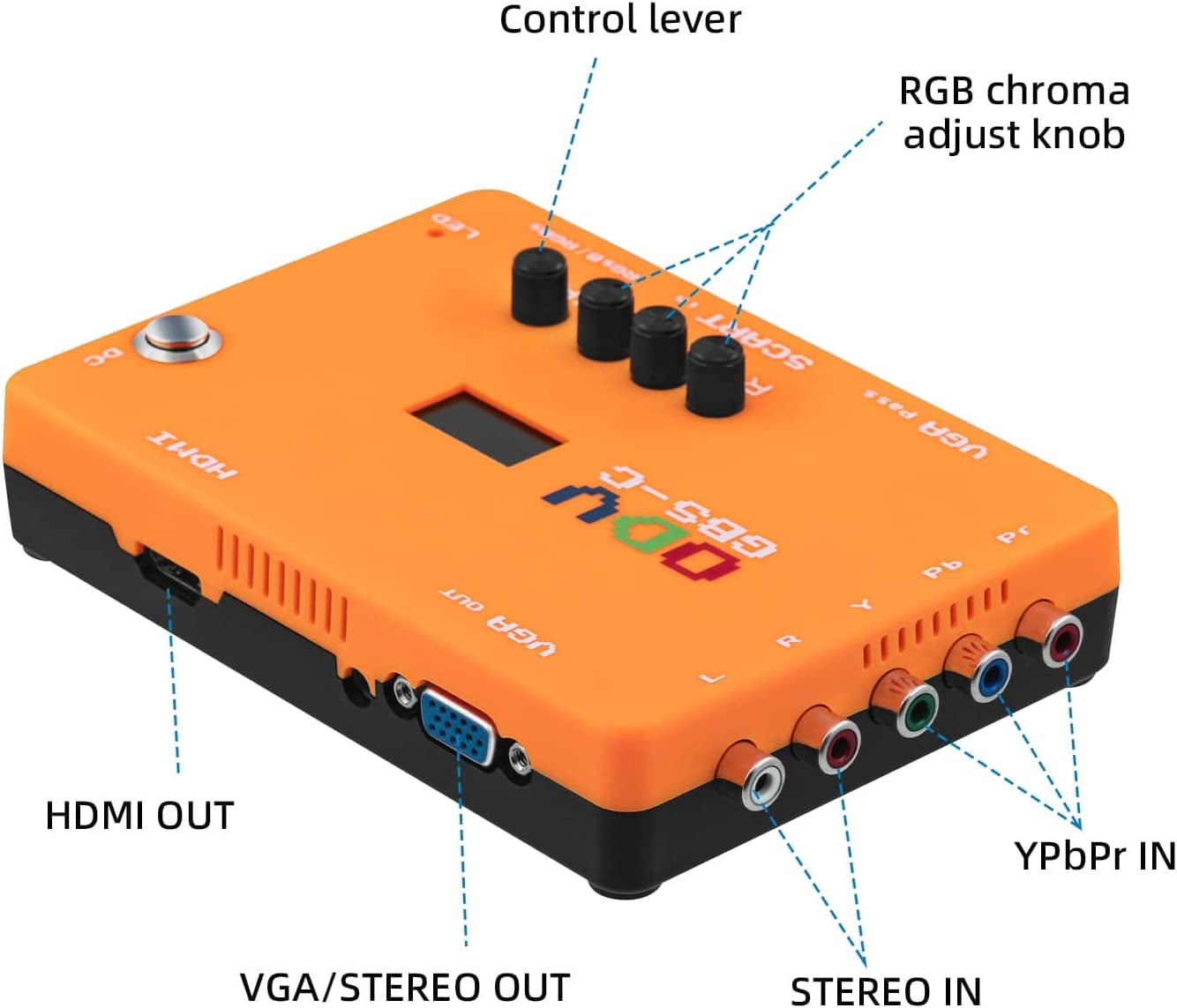
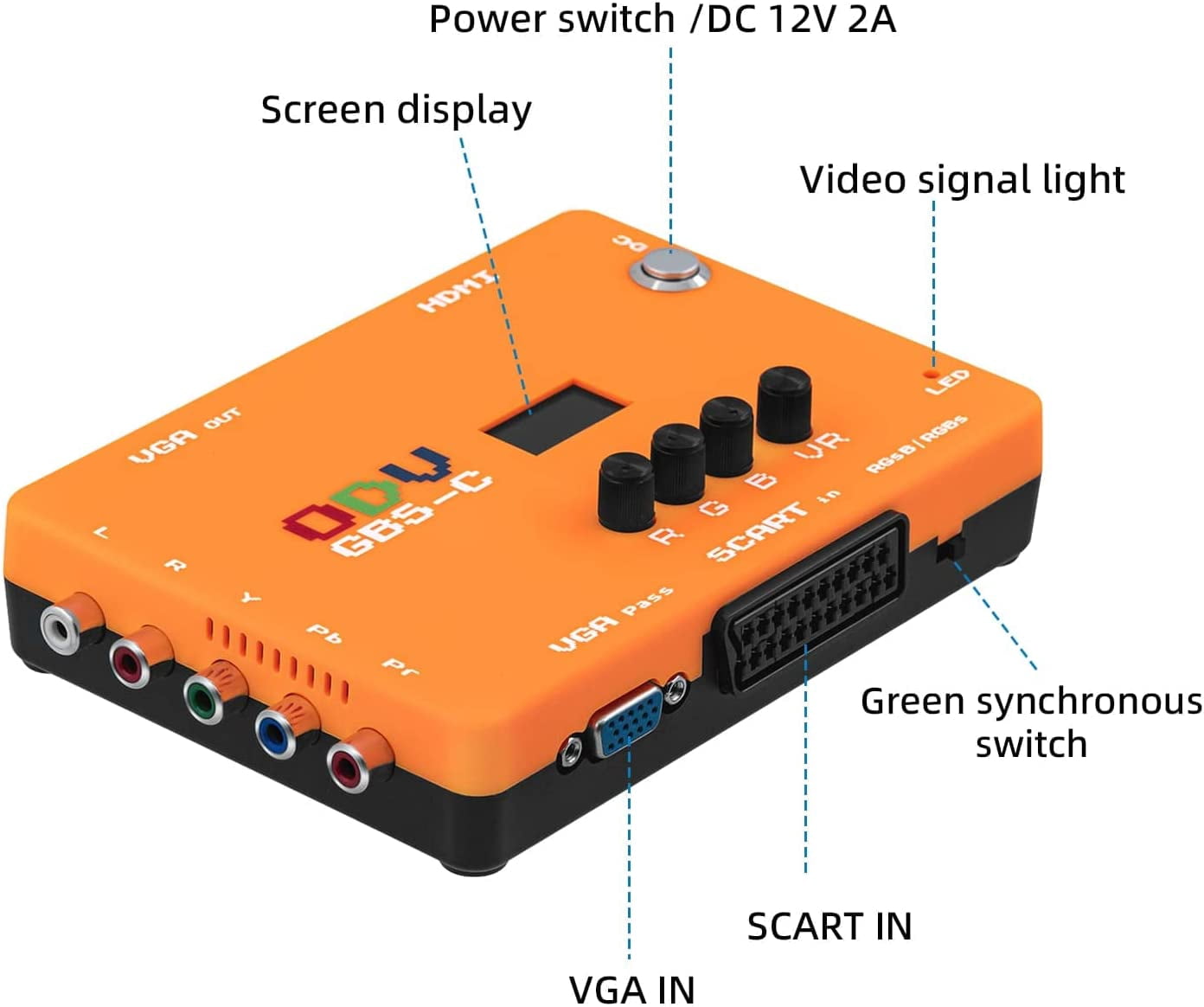
The ODV-GBS-C support dual screen output at the same time under different format. No extra zero delay is added to ensure the original feel. Click the scanline icon on the mobile phone control page to adjust the output scanline quality, make the game screen more retro, and increase the game experience. You can adjust the output image quality, size and position through the control page in your phone. Additional steps: 1. Use the R, G and B three-color knobs⑩,on the product to adjust the signal intensity of red, green and blue respectively. 2. Connect audio ④ to earphones or audio devices. 3. Use mobile phones, computers and other devices to open WIFI, find gbSControl to connect, the default password: qqqqqqqq, and then use the web login 192 168 4 1 to enter the control interface. 4. set the resolution as prompted. 5. To use the low solution output function, select the direct or 15kHz option in the Settings screen. 6.Retain the upgrade interface⑦, support firmware upgrade function, when the upgrade plug in USB and computer connection, press the control ticket lever, plug in the power and open the power switch can be upgraded. 7. The body is equipped with a control lever, with LCD control screen ⑧ that can achieve a variety of Settings. 8. Green synchronous switch ⑪, can adapt to RGBS signal 480P format (note: input of other formats can not be opened, otherwise the signal can not be recognized). NOTE: -Green synchronous switch adapts to RGBS signal 480P format only. Input of other formats cannot be opened, otherwise the signal can not be recognized -To use the low solution output function, select the direct or 15kHz option in the Settings screen -Scanline effect only supports 240p -Video cables are not included. Installation Settings: 1. Connect the HOST RGB output to THE SCART interface "1" of ODV-GBSC or the universal VGA input interface "2". 2. Connect the component color difference output to the component input YPBPR input interface "3" of odV-GBSC. 3. Connect the HDMI output of ODV-GBS-C "5" to the HDMI input of TV/monitor. 4. Connect the VGA output of ODV-GBS-C (4) to the VGA input of the monitor. 5. Connect the external power supply (6) and use the supplied 12V/2A power supply. The package includes: 1 x ODV GBS-C Converter 1x1.5M Power Cable 1 x User Manual
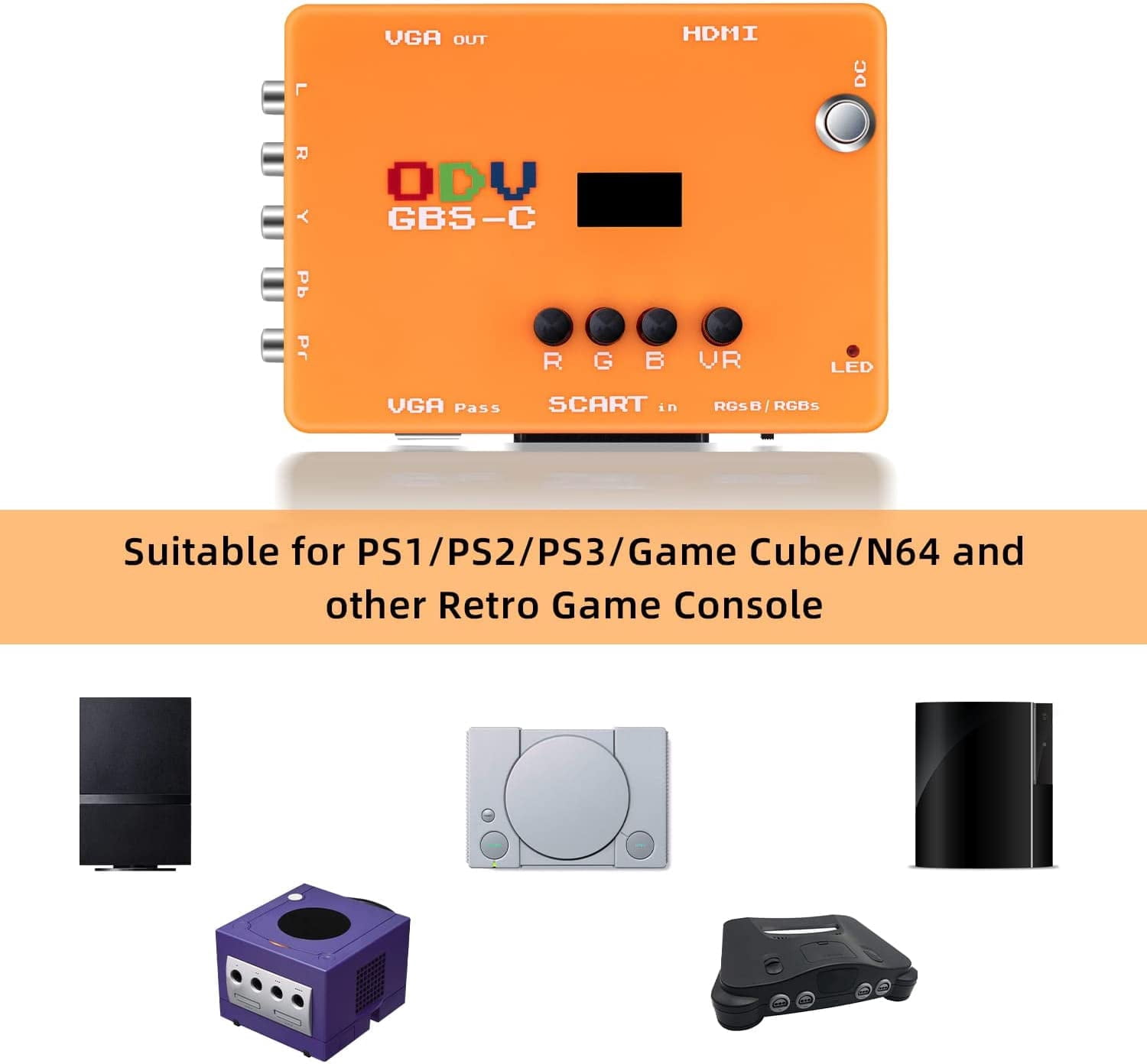
- 🎮 Designed for Retro Gamers
- Supports RGB SCART, Component YPbPr, VGA & RGBHV – Perfect for classic consoles. (Note: No composite input; please check your source.)
- 🔄 Bi-Directional Signal Conversion
- Converts YPbPr / RGB to HDMI and VGA for modern displays, plus low-resolution reverse conversion (analog output) – a feature missing on many competitors like OSSC.
- ⚡ Zero Lag & Smooth Switching
- Lag-free processing with dynamic de-interlacing and scanline effects.
- Seamless handling of 240p ↔ 480i switching – no delay, no dropout.
- 🖥️ Advanced Resolution Control
- Downscales 480p, 480i, 240p to 240p output for authentic CRT-like visuals.
- 15kHz output via VGA (manual enable in settings) – supports classic low-res monitors.
- Dedicated R, G, B knobs for real-time adjustment of red, green, and blue levels – dial in the perfect color balance.
- 🔊 Separate Audio I/O
- Built-in audio input & output – connect headphones or external speakers directly.
- 📲 Smart & Easy Control
- LED display + onboard buttons for instant setting changes.
- WiFi connection (PC/Mobile browser) – adjust settings wirelessly without extra software.
- 🔌 Reliable & Future-Proof
- Powered by DC 12V 2A – stable and consistent.
- Firmware upgradable via computer – keep getting new features.
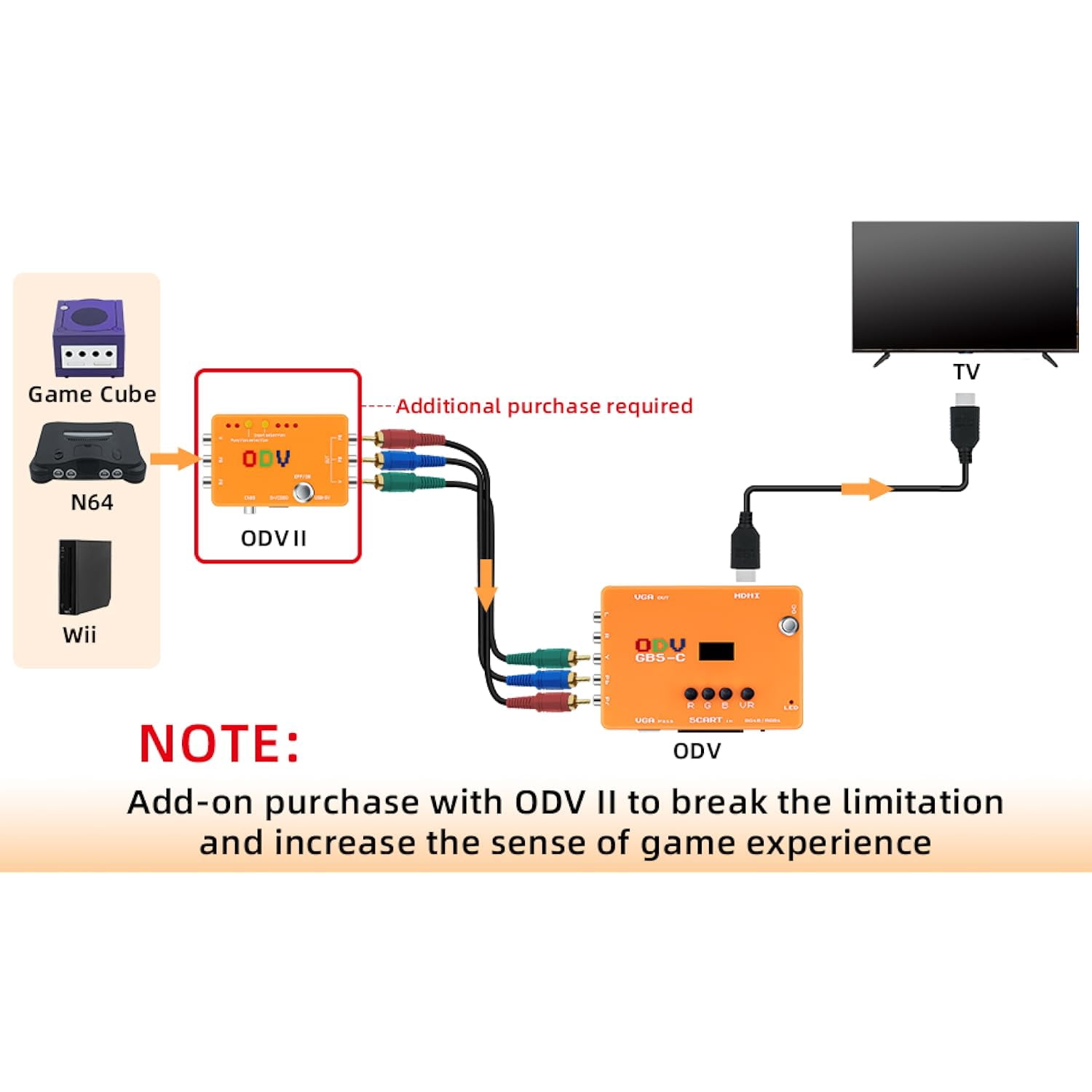
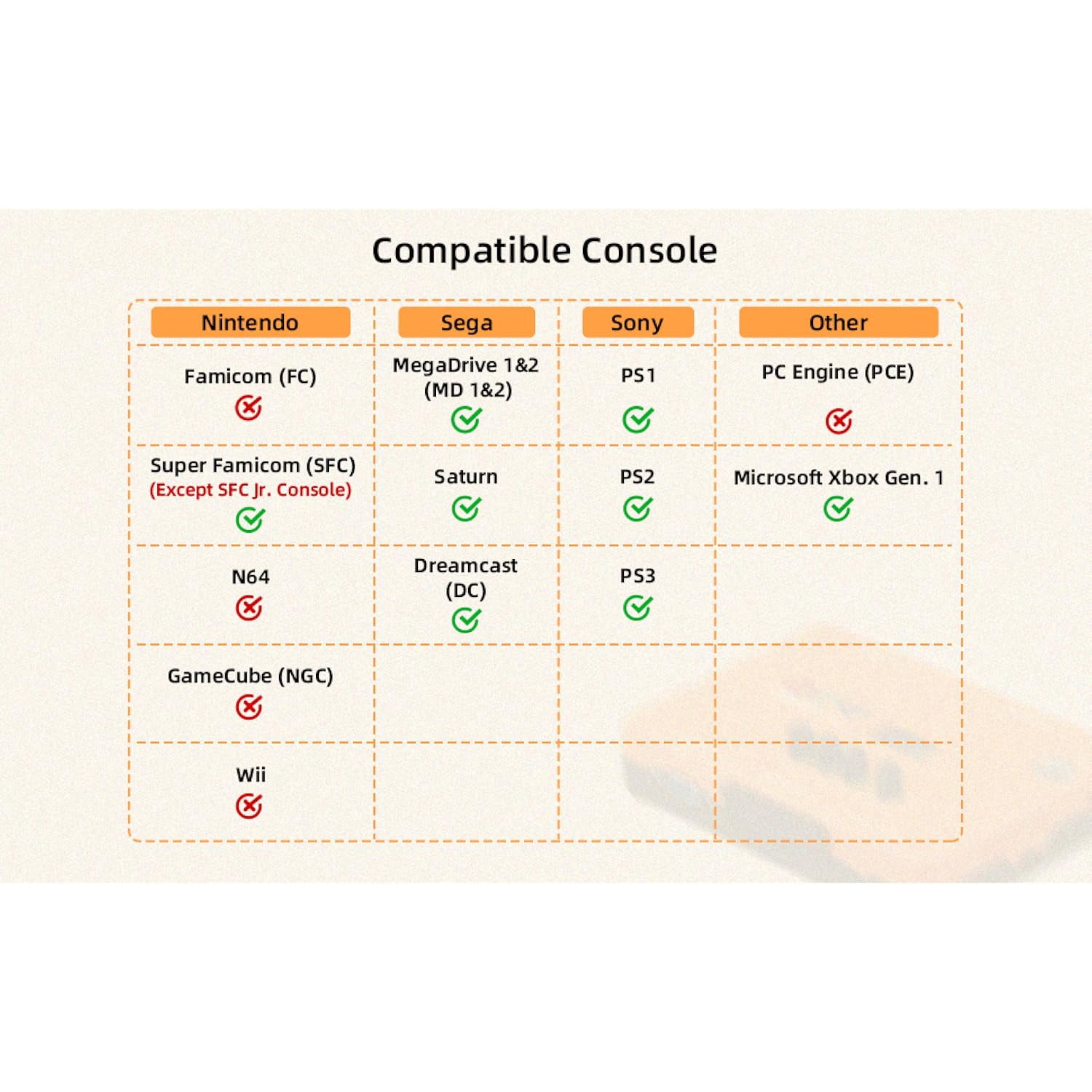
- For N64, GameCube, Wii – requires the separately purchased ODV-II Converter. (Standard ODV GBS-C does not work with these consoles out of the box.)
| Inputs/Outputs | VGA, HDMI |
|---|---|
| In/Out type | HDMI |
| Input/output direction | Bi-Directional |
| Accessories | 1 x ODV GBS-C Converter, 1 x 1.5M Power Cable, 1 x User Manual |
| Brand | KSRplayer |
| Cord length | 1.5 m |
| Has nrtl listing certification | N |
Bestseller ranking
Digital TV Converters
Customers who viewed this product also viewed
Dog Cones



Correction of product information
If you notice any omissions or errors in the product information on this page, please use the correction request form below.
Correction Request Form